


Multi-surface Climbing Physics
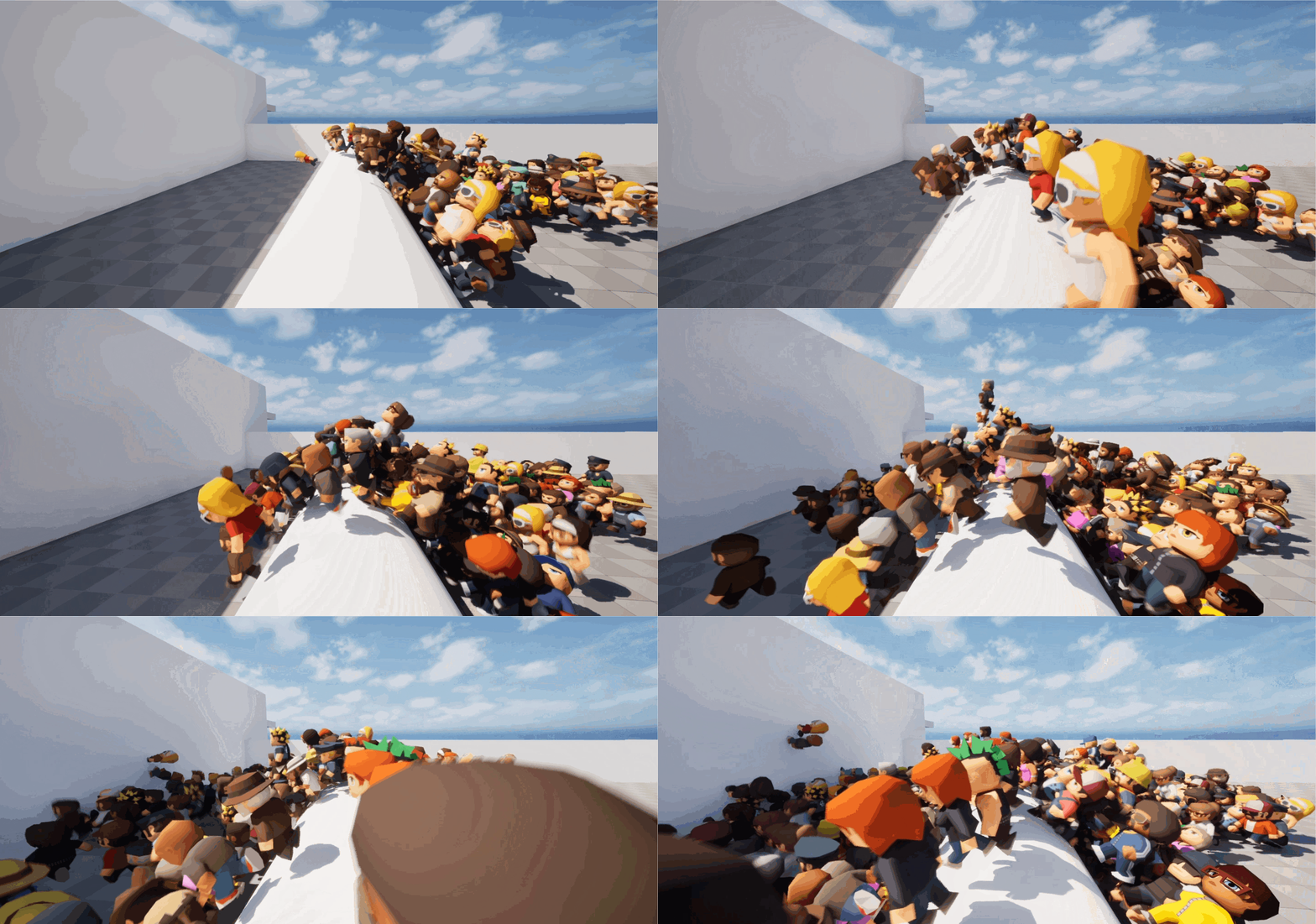

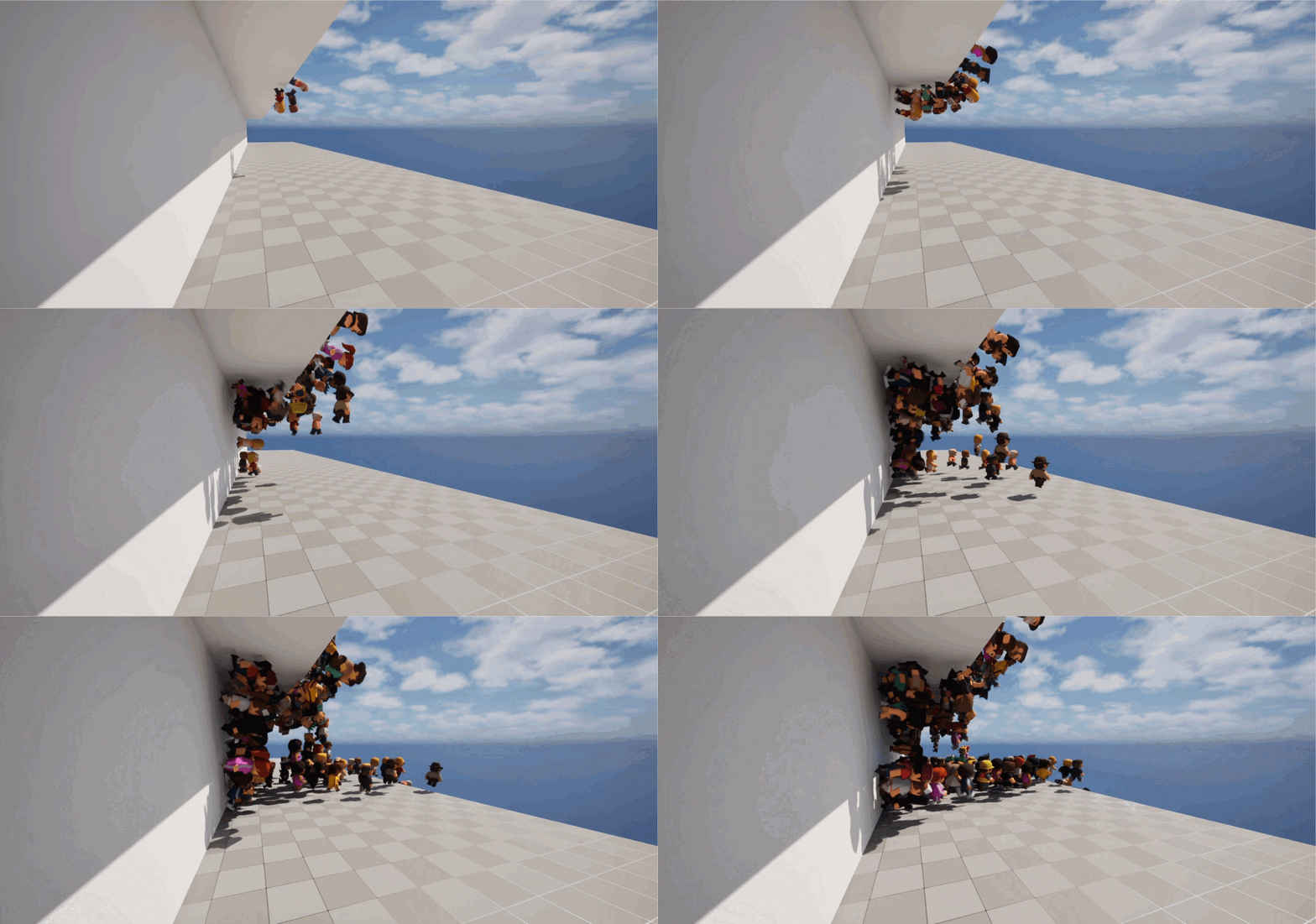
Synopsis
- Created an entity within a first-party ECS framework that uses the Havok API to perform radial line traces to navigate along surfaces at any angle.
- Used Unreal Insights to profile the entity system across different threads.
- Created Automated Tests to judge if the entities can navigate through an obstacle course.
- Used Havok's visual debugger to check if line traces were occuring in the correct places.
- Provided an interface to the editor to modify the settings of the line traces so that they can balance performance requirements with physical accuracy and gameplay.
- Used Perforce to navigate streams, resolve merge conflicts, participate in Swarm code reviews and commit my work.
- Used Jira while working within an agile SCRUM framework - attending daily standups and updating stakeholders on the progress of my task.
- Created documentation for my colleagues to understand the system.
Rapid Prototyping
This task consisted of trying to figure out a physics-based solution to have entities climb up walls and across ceilings. To tackle this problem, I created prototypes in blueprint to get the basic idea down. Afterwards, I ported the blueprint to C++ to prepare my prototype for integration with the ECS.
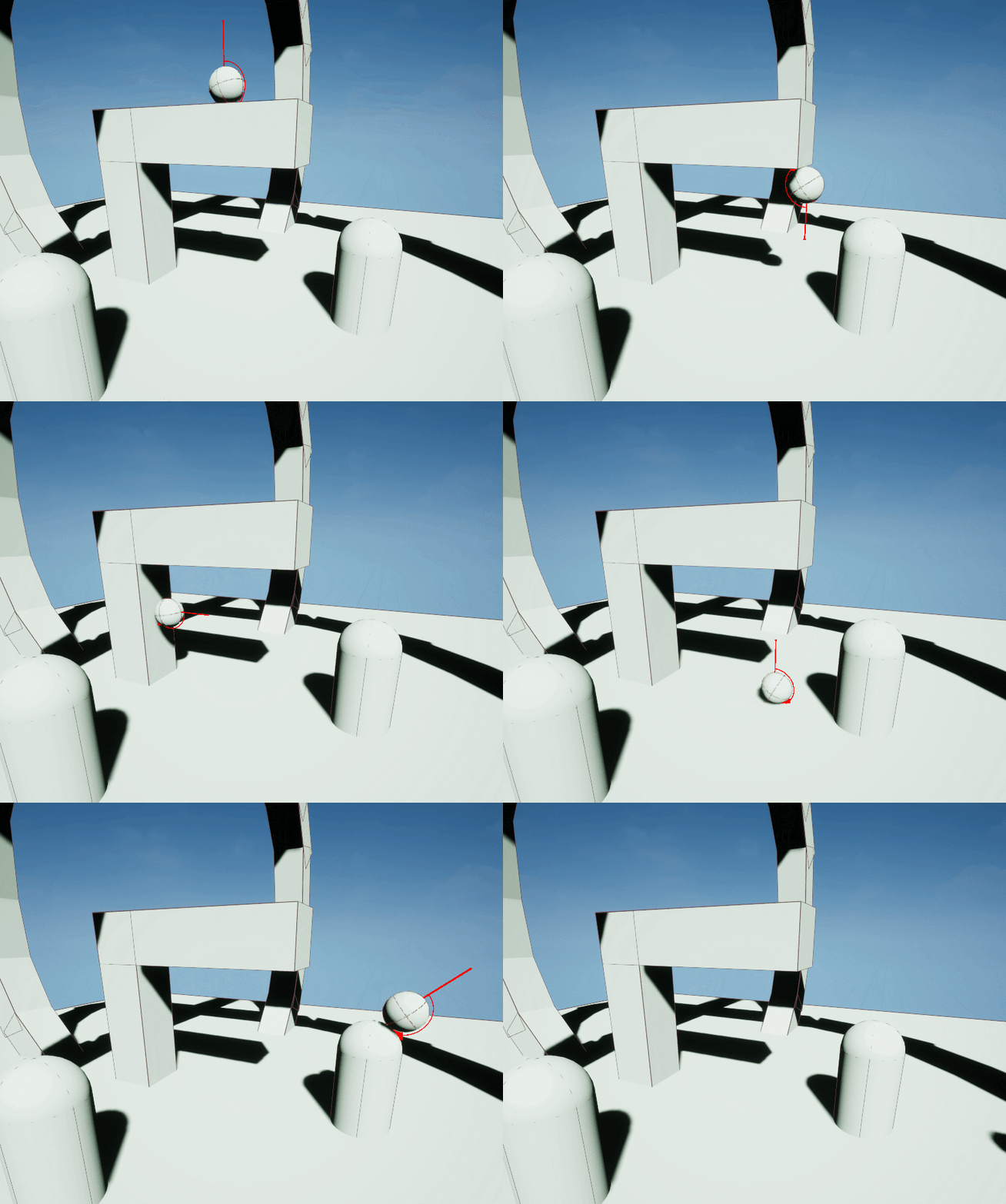
During this prototype phase is when I decided that radial line traces - or more accurately, several linear line traces in a radial path - would be the best way of judging the environment ahead; using the inverse of the impact normal of the line trace as a custom gravity direction for the entitiy.
ECS Integration
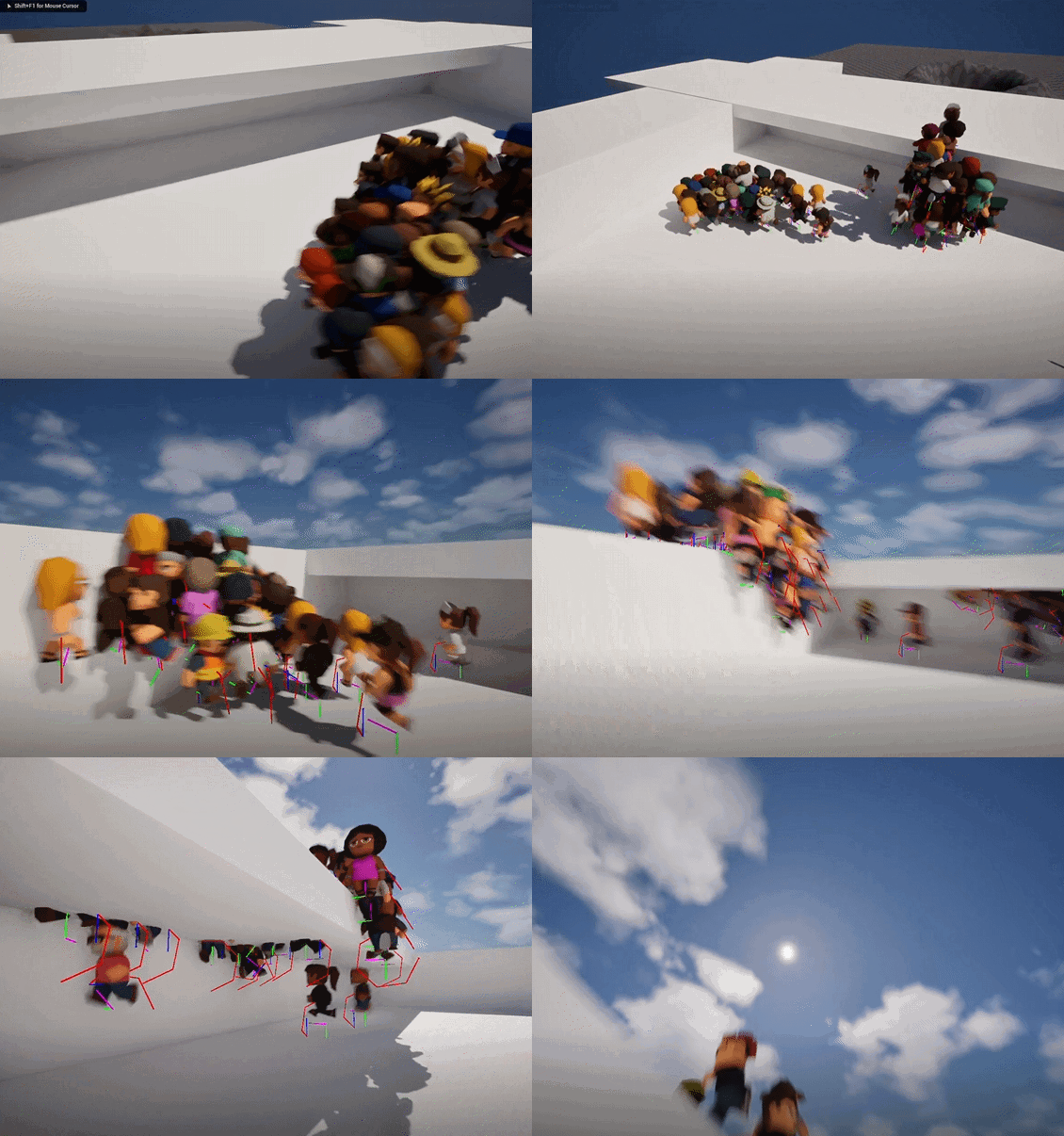
This project used Red Kite's in house Archetypal ECS plugin.
Integrating my prototype into the ECS meant creating a new archetype, creating an entity with new custom
components (which consists of simply data, such as FCustomGravity or
FClimbingBehaviourTag ), and a system to process that data, which I encapsulated under the
ECSClimbingSystem namespace.
Using an ECS instead of actors meant that the data associated with an entity was far more cache optimised and
therefore more performant. Additionally, the overhead associated with an actor was no longer present.
Additionally - over relying on the Unreal-Havok integration layer, I directly used the Havok API to query the
havok world and perform ray casts. Whilst Havok in Unreal is not deterministic, I worked within a Havok world
which ran seperately from the Unreal layer, so querying that world directly also guaranteed that the spiders
would behave deterministically.
Debugging and Testing with Havok
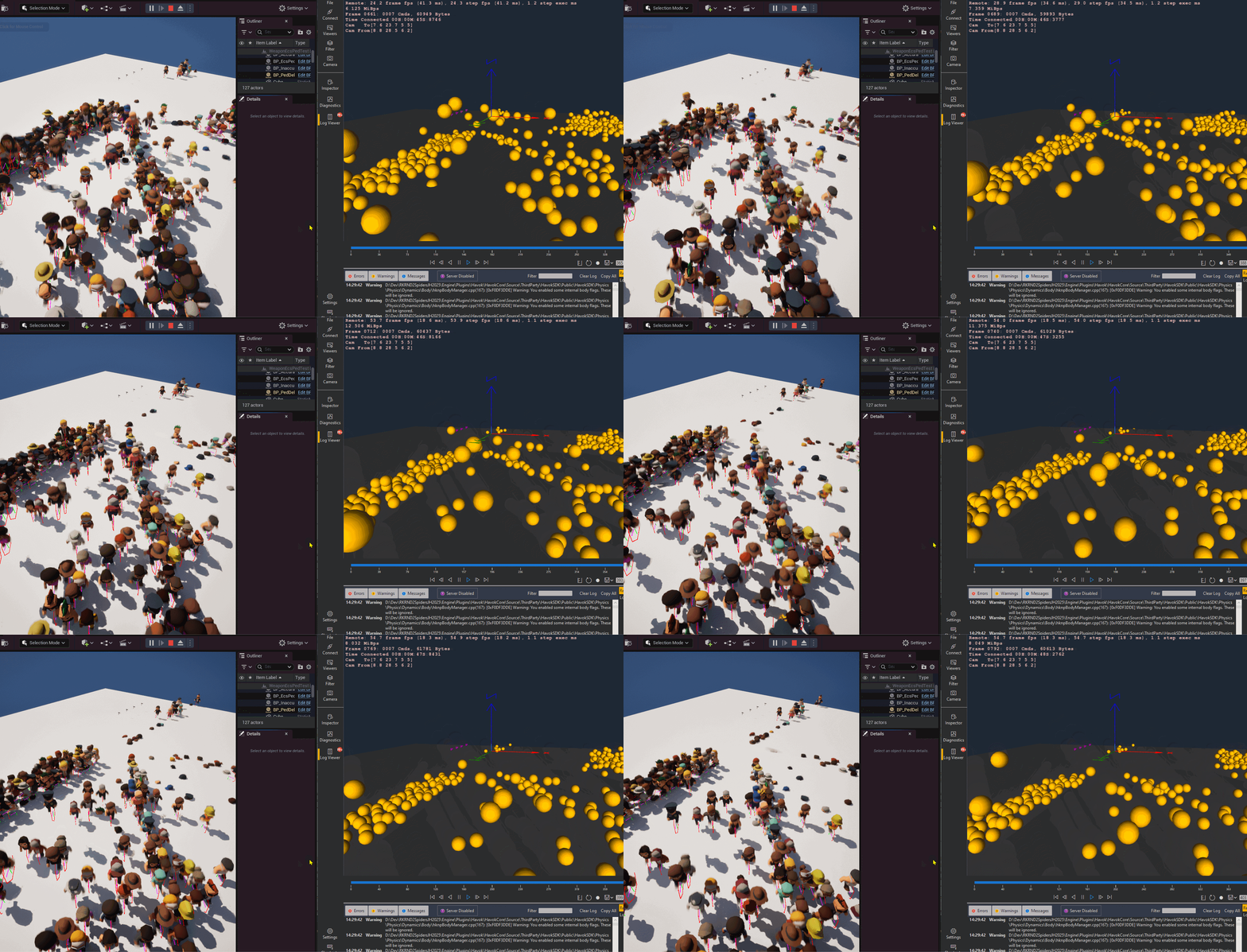
To debug this feature, I took advantage of the Havok Visual Debugger. Specifically, I would use the ray cast
query view to check if my radial line traces were occuring where I expected them to, and how I expected them
too.
Whereas Unreal visual debugging was good to judge if my physics was performing as expected, the Havok visual
debugger connects directly to the havok world. This makes it easy to check e.g., if entities are being
created with physics bodies, if ray casts are firing off correctly, etc.
Beyond that, I also took advantage of AFunctionalTest to check the robustness of my code; creating
obstacle courses for my entities to navigate and reporting back on the success rate of those entities in
navigating the course.